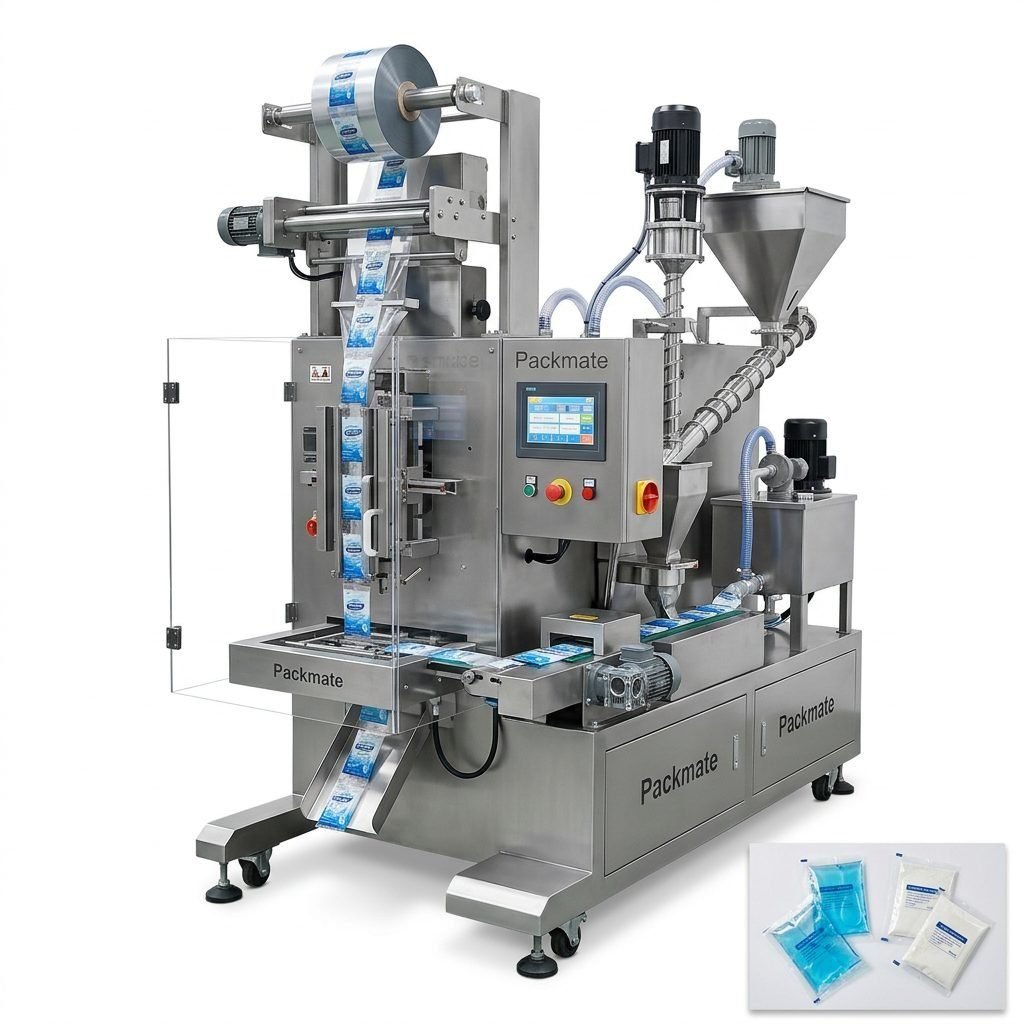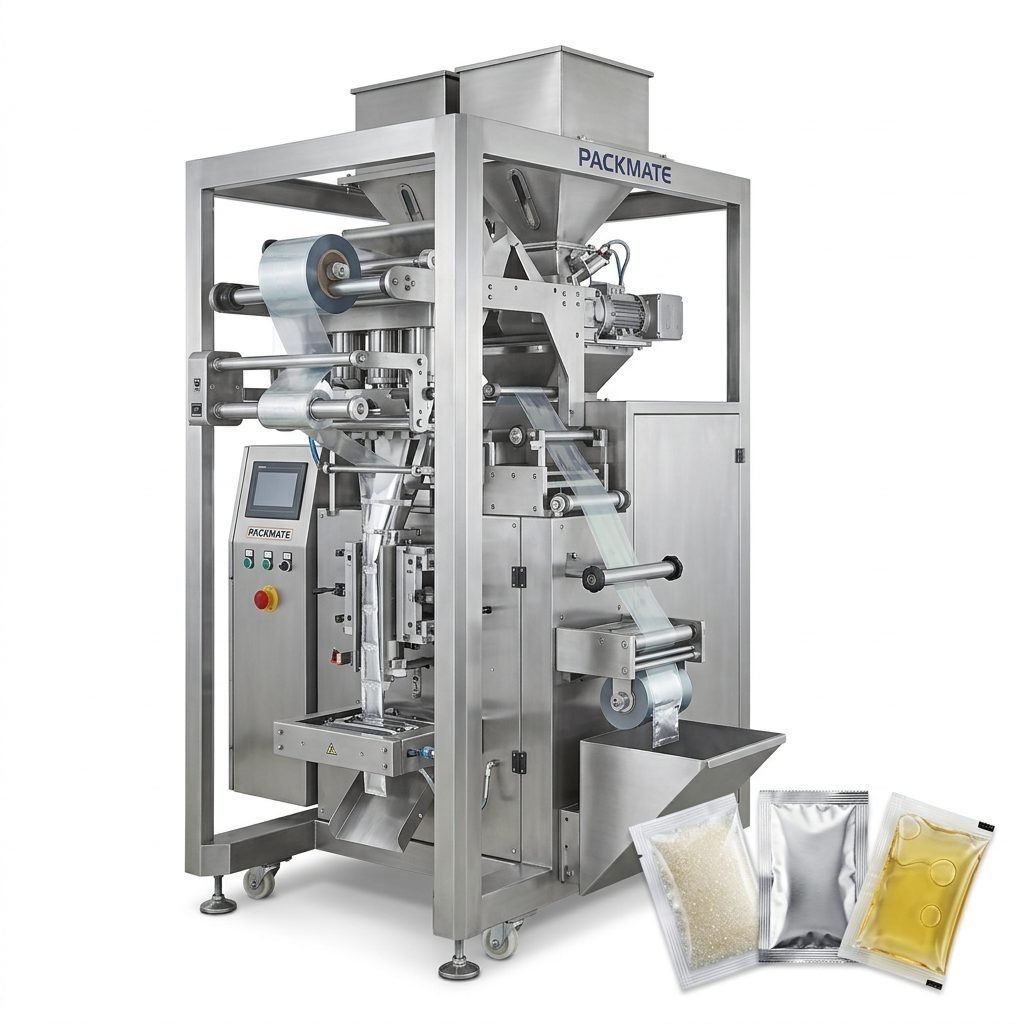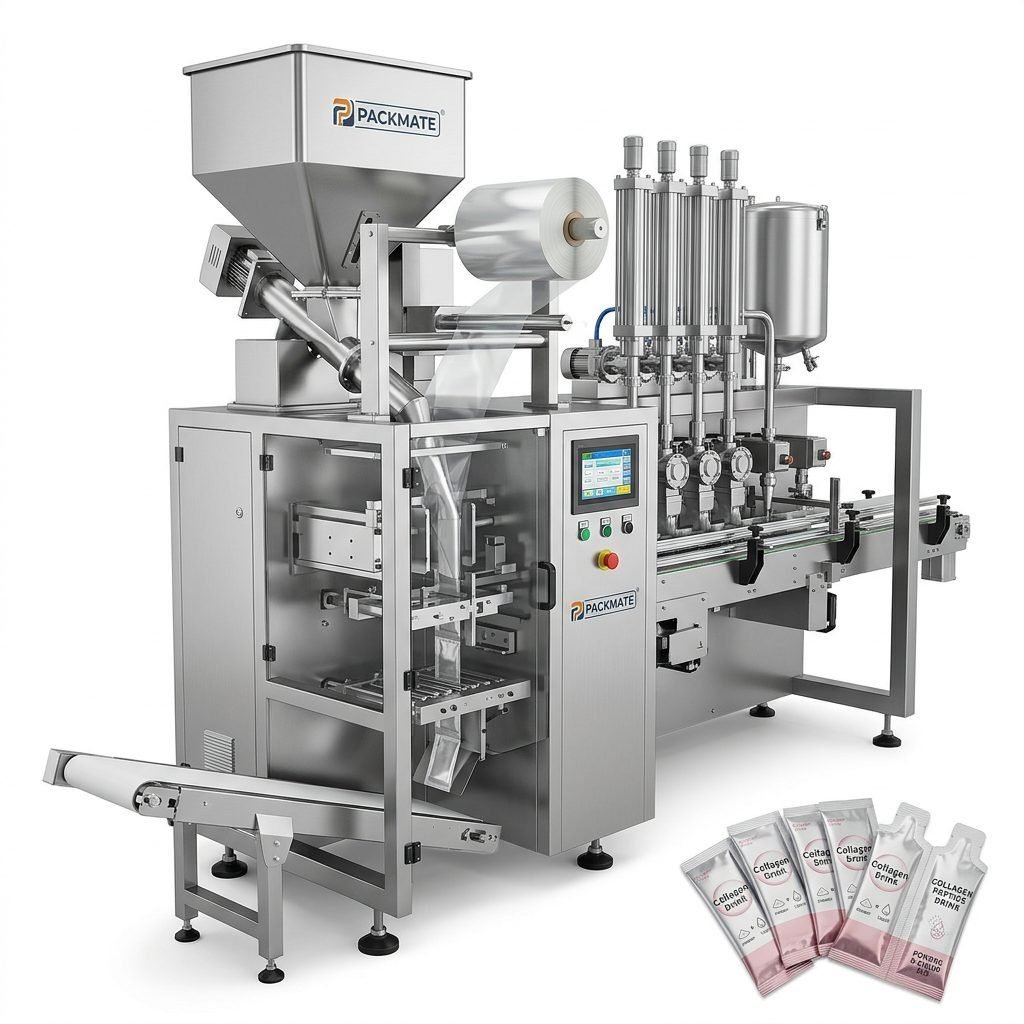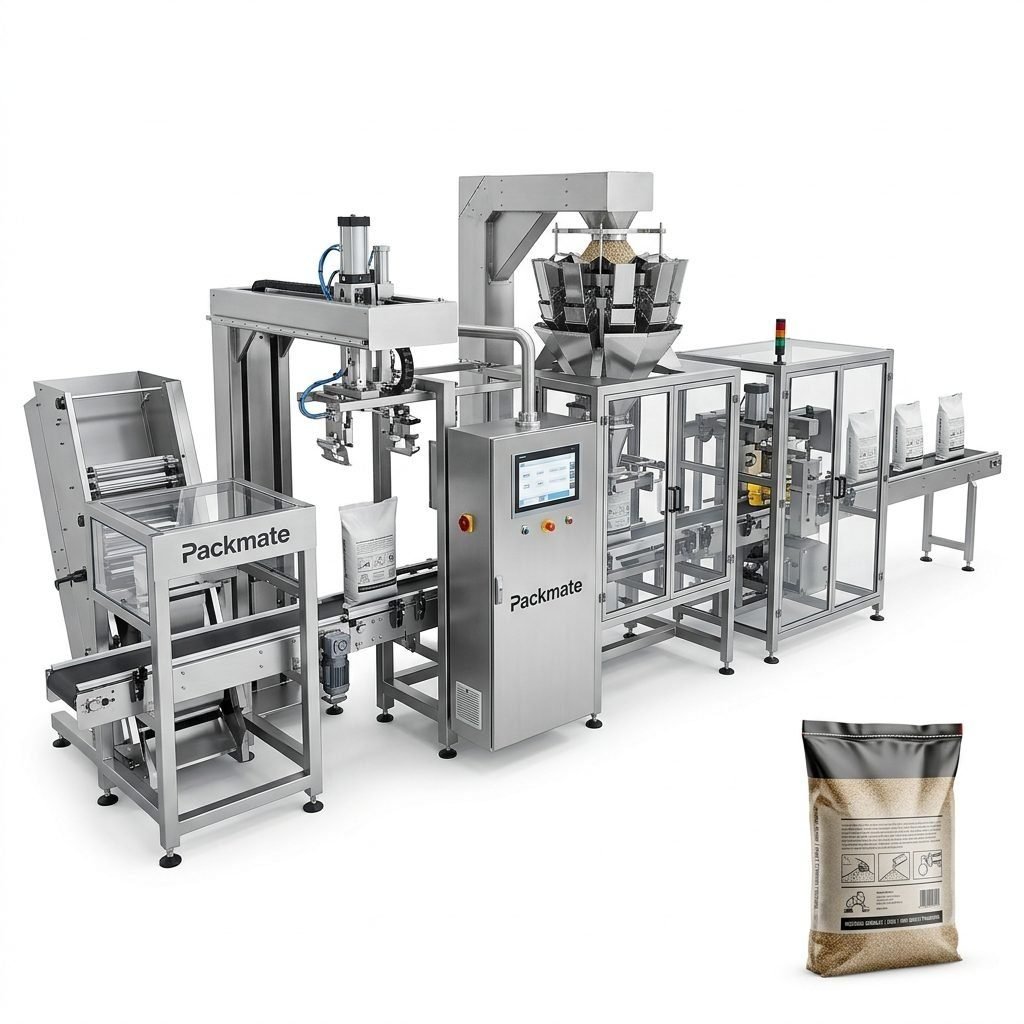
In the fast-paced world of packaging, traceability and compliance are paramount. A critical component ensuring these aspects is the date printer, a device often overlooked yet essential for any modern packaging line. This guide delves into the function, selection, and integration of date printers for packaging machinery, providing solutions for common challenges.
The Role of Date Printers in Modern Packaging
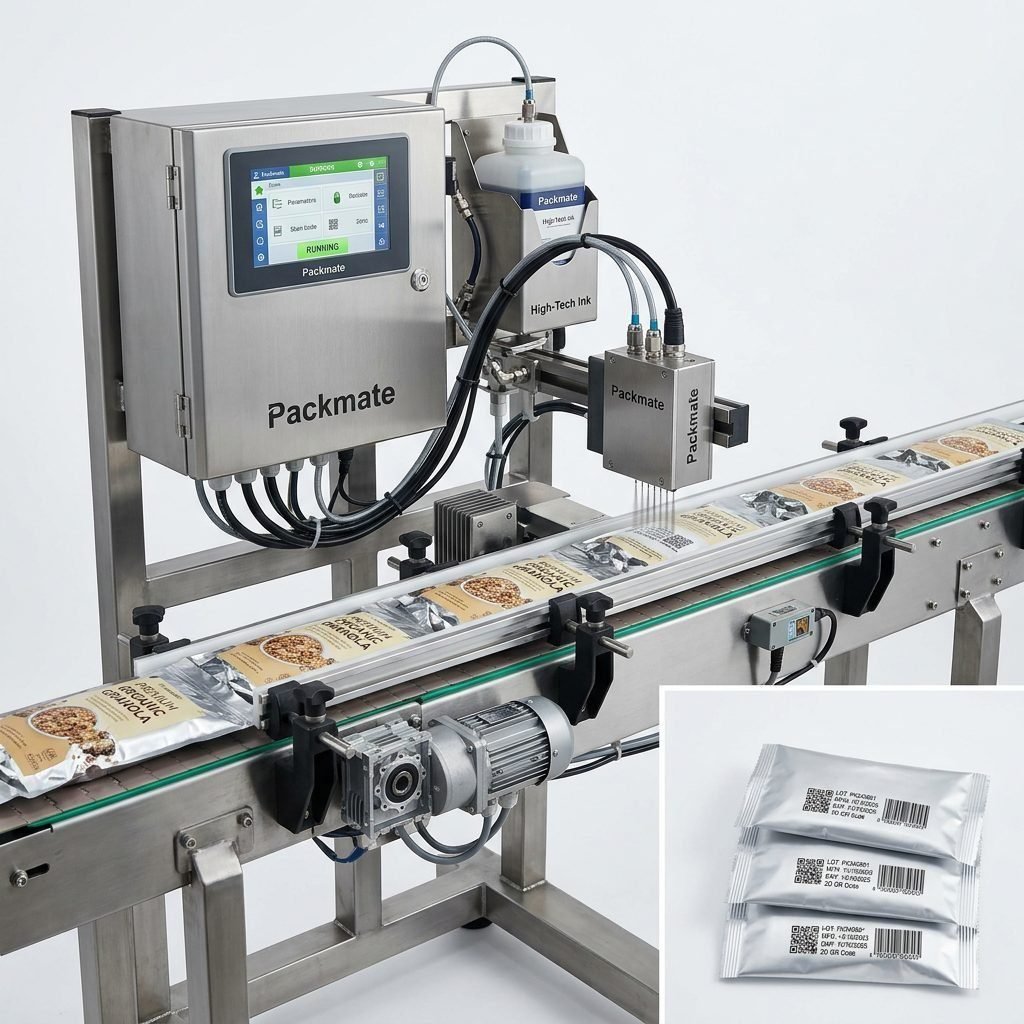
Date printers, also known as coders or inkjet printers, are responsible for marking products with vital information such as expiration dates, batch codes, manufacturing dates, and lot numbers. This is not merely a procedural step; it is a legal requirement in most global markets for food, pharmaceuticals, and health products. Accurate and legible coding ensures consumer safety, facilitates efficient recall processes, and upholds brand integrity by demonstrating a commitment to transparency.
For industries like food and pharma, where product lifecycle is strictly regulated, the date printer acts as the final checkpoint for compliance. A failure here can lead to costly product waste, regulatory fines, and reputational damage. Therefore, integrating a reliable, high-performance date printing system is a non-negotiable aspect of a robust packaging operation.
Types of Date Printing Technologies
Selecting the right technology depends on your substrate, production speed, and operational environment. The main types include:
Continuous Inkjet (CIJ) Printers: The most common industrial solution. They are non-contact, high-speed printers suitable for porous and non-porous surfaces. Ideal for coding on uneven surfaces or at high line speeds, such as on filling and packaging lines.
Thermal Inkjet (TIJ) Printers: Offer high-resolution printing at a lower cost of ownership. They are clean, quiet, and perfect for secondary packaging, cartons, and labels where print quality is a priority.
Laser Coders: Provide permanent, high-quality marks by altering the surface of the material. They are consumable-free (no ink), making them cost-effective for long-term, high-volume operations, especially on sensitive products.
Thermal Transfer Overprinters (TTO): Excellent for flexible packaging films. They use a heated printhead and ribbon to produce sharp, durable codes directly onto the film web, commonly integrated into bag and pouch packaging machines.
Key Selection Criteria for Your Packaging Line
Choosing a date printer requires a systematic evaluation of your specific needs:
Substrate Compatibility: Will you print on paper, plastic film, metal, glass, or corrugated cardboard? The material dictates the ink type and technology.
Production Speed & Environment: Match the printer’s maximum speed to your line’s output. Consider factors like dust, moisture, and temperature fluctuations in your factory.
Code Requirements: Determine the necessary information (date, time, batch, QR/barcode), font size, and required resolution (DPI).
Integration & Connectivity: The printer must seamlessly interface with your main packing machine control system for automated data input and synchronization.
Total Cost of Ownership (TCO): Look beyond the initial purchase price. Factor in consumables (ink, solvents, ribbons), maintenance frequency, and expected printer lifespan.
Common Challenges and Practical Solutions
Even with the right equipment, operators face recurring issues. Here are solutions to the most frequent problems:
1. Poor Print Quality or Smudging
This is often caused by incorrect ink formulation for the substrate or improper drying time. Solution: Conduct thorough substrate testing before finalizing ink selection. Ensure the printer’s settings (voltage, pulse) are optimized. For fast-moving lines, consider fast-dry inks or add a drying/curing accessory.
2. Printer Downtime and Clogging
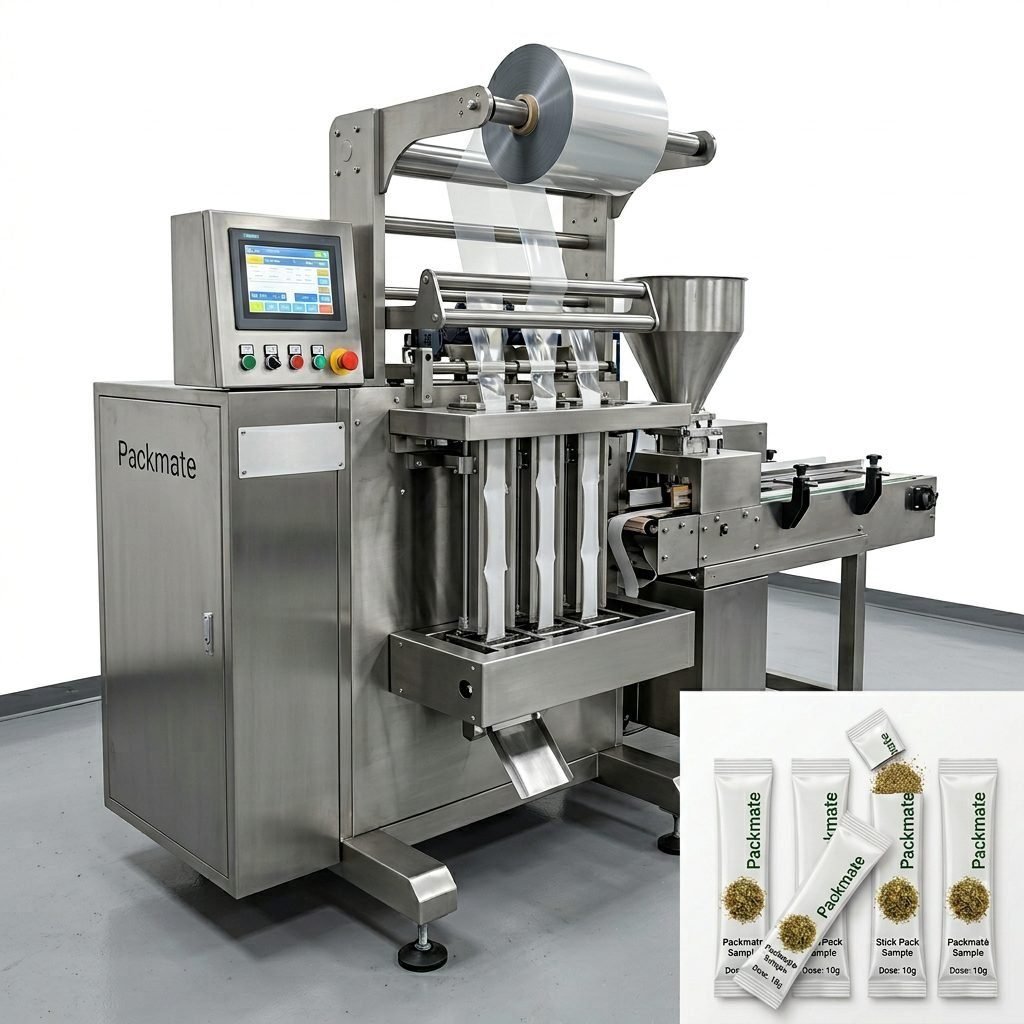
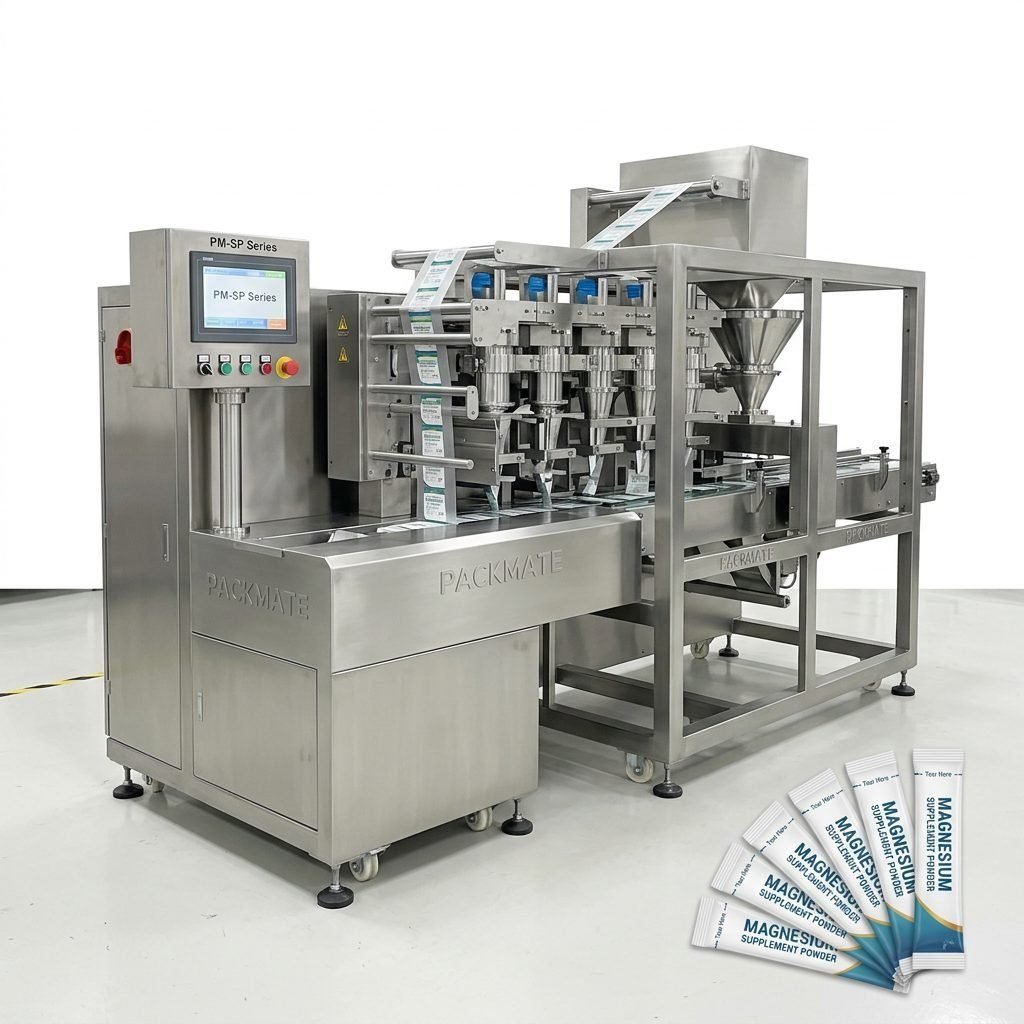
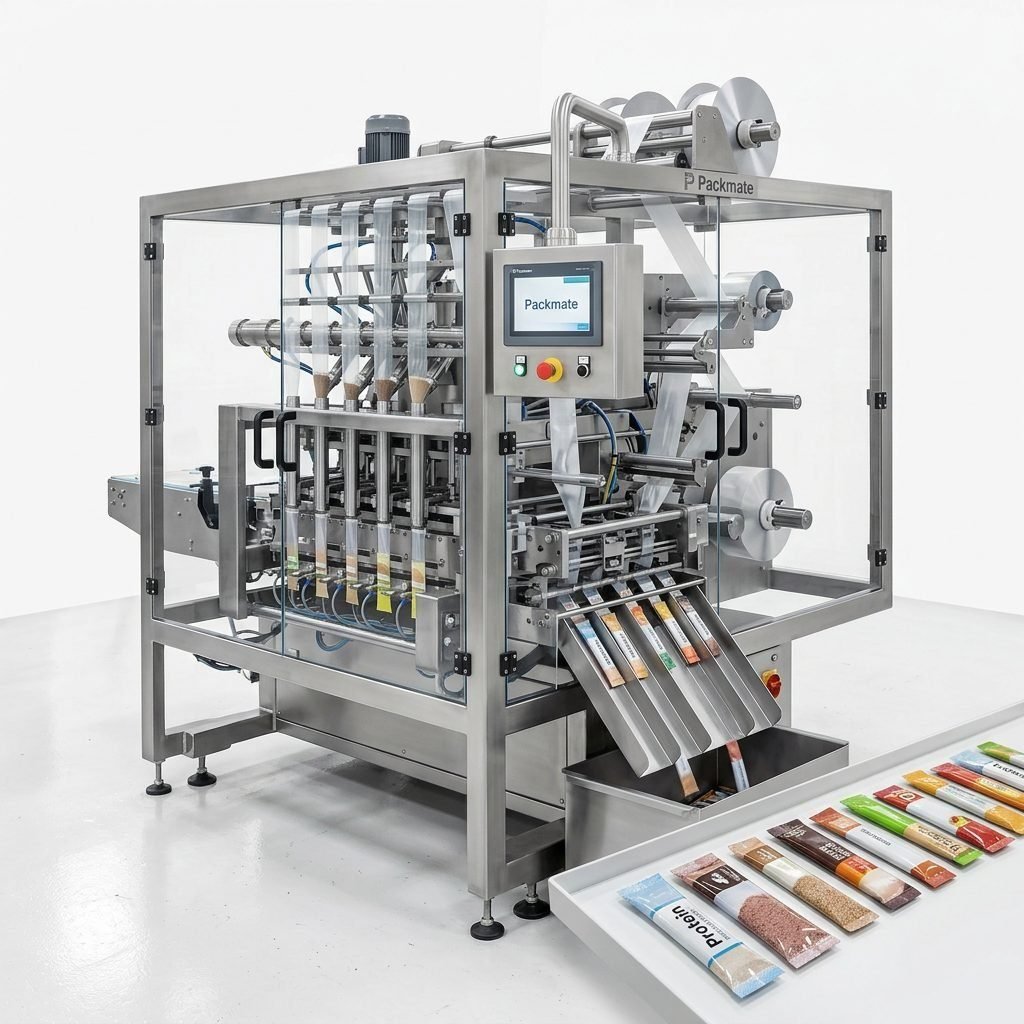
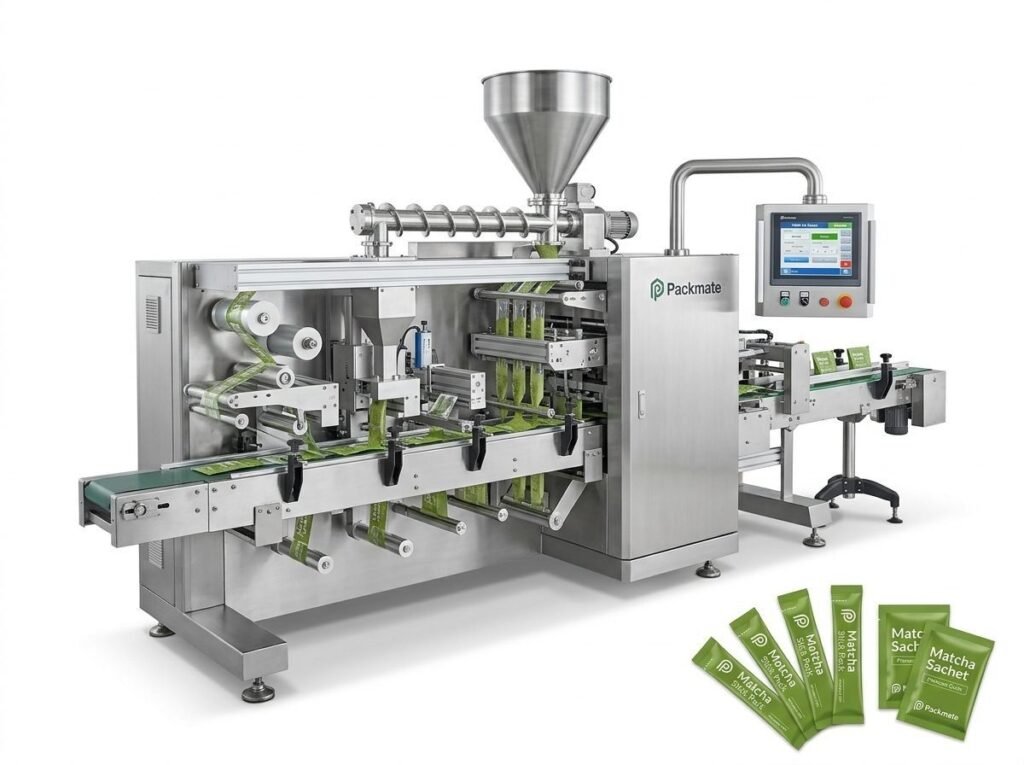
Inkjet nozzles, especially in CIJ printers, can clog if not maintained properly. Solution: Implement a strict, automated maintenance routine. Use high-quality, manufacturer-recommended inks and solvents. For critical applications, printers with automatic nozzle cleaning cycles, like those integrated into reliable sachet and stick pack machines, minimize this risk.
3. Incorrect or Missing Codes
Data errors usually stem from faulty communication between the printer and the production line’s PLC. Solution: Validate the data transmission protocol (e.g., Ethernet/IP, Serial). Install a vision inspection system post-printing to automatically reject packages with unreadable or missing codes, ensuring 100% compliance.
4. High Consumable Costs
Wasteful ink and solvent usage inflates operational costs. Solution: Opt for printers with efficient ink recycling systems and solvent-less options where possible. Regularly audit usage and train operators on efficient practices. Modern TIJ and laser technologies can offer lower long-term consumable costs.
Integration with Intelligent Packaging Systems
The future lies in connectivity. Modern date printers are no longer isolated devices but intelligent nodes within Industry 4.0 packaging lines. They can receive print jobs directly from a Manufacturing Execution System (MES), log production data for analytics, and send alerts for low ink or potential faults. This level of integration, a core principle at Packmate Machinery, transforms the date printer from a mere marker into a source of valuable operational intelligence, enabling predictive maintenance and seamless traceability from raw material to finished product.
Conclusion
The date printer is a small but mighty guardian of compliance and efficiency in packaging. Selecting the appropriate technology, integrating it thoughtfully into your line, and proactively managing its operation are key to avoiding costly errors. By viewing it as a strategic component rather than an accessory, manufacturers can ensure product safety, meet regulatory demands, and protect their brand reputation in a competitive global marketplace.
Frequently Asked Questions (FAQs)
Q1: How often should I perform maintenance on my CIJ date printer?
A: Daily automated purge cycles are essential. Manual cleaning of the printhead and filter replacement should follow the manufacturer’s schedule, typically weekly or bi-weekly, depending on usage. Consistent maintenance is the most effective way to prevent clogging and ensure print quality.
Q2: Can one date printer handle different types of packaging on the same line?
A: Yes, but with considerations. The printer must be capable of adjusting print height or angle if package sizes vary significantly. More importantly, the ink must be compatible with all the different substrates (e.g., film, paper, cardboard) you plan to print on. Testing is crucial before implementation.
Q3: What is the major advantage of laser coders over inkjet printers?
A: The primary advantage is the elimination of consumables (ink, solvent, ribbons), leading to lower operating costs and less environmental waste. Laser marks are also extremely durable and resistant to abrasion, moisture, and chemicals, making them ideal for harsh environments or products requiring lifelong traceability.
Q4: My printed codes are not adhering well to plastic film. What should I do?
A: This is likely an ink adhesion issue. First, ensure you are using an ink specifically formulated for non-porous polyolefin films (like PE or PP). You may need to pre-treat the film with a corona treater to increase surface energy for better ink bonding. Consulting with your ink supplier and printer manufacturer is recommended.
Q5: How can I ensure my date printing meets international regulatory standards?
A: Always refer to the specific regulations of your target markets (e.g., FDA in the USA, EU regulations). Key requirements usually mandate that codes be legible, indelible, and easily visible to the consumer. Implementing a verification system, such as a camera-based reader, provides documented proof of compliance for audits.