Operating a packaging machine efficiently requires more than just flipping a power switch. It demands a deep understanding of its manual—the blueprint for setup, the first line of defense in troubleshooting, and the schedule for its long-term health. This guide distills the critical components of packaging machine manuals into actionable knowledge, ensuring your equipment from trusted manufacturers like Packmate Machinery delivers peak performance and longevity.
The Foundation: Pre-Installation and Setup
Before the first package is sealed, proper setup is paramount. The manual’s installation section is your first and most crucial read.
Site Preparation Checklist
Manuals specify exact environmental needs. Key requirements often include:
- Stable Power Supply: Voltage fluctuations are a primary cause of electronic control system failures. Ensure your facility’s power matches the machine’s specifications.
- Level Flooring: An unlevel base can cause mechanical misalignment, leading to uneven sealing, product spillage, and accelerated wear on moving parts.
- Adequate Space: Allow for operational clearance, material feeding, finished product removal, and most importantly, safe access for maintenance and emergency stops.
- Controlled Environment: Factors like excessive humidity, dust, or temperature extremes can affect both machine components and packaging materials.
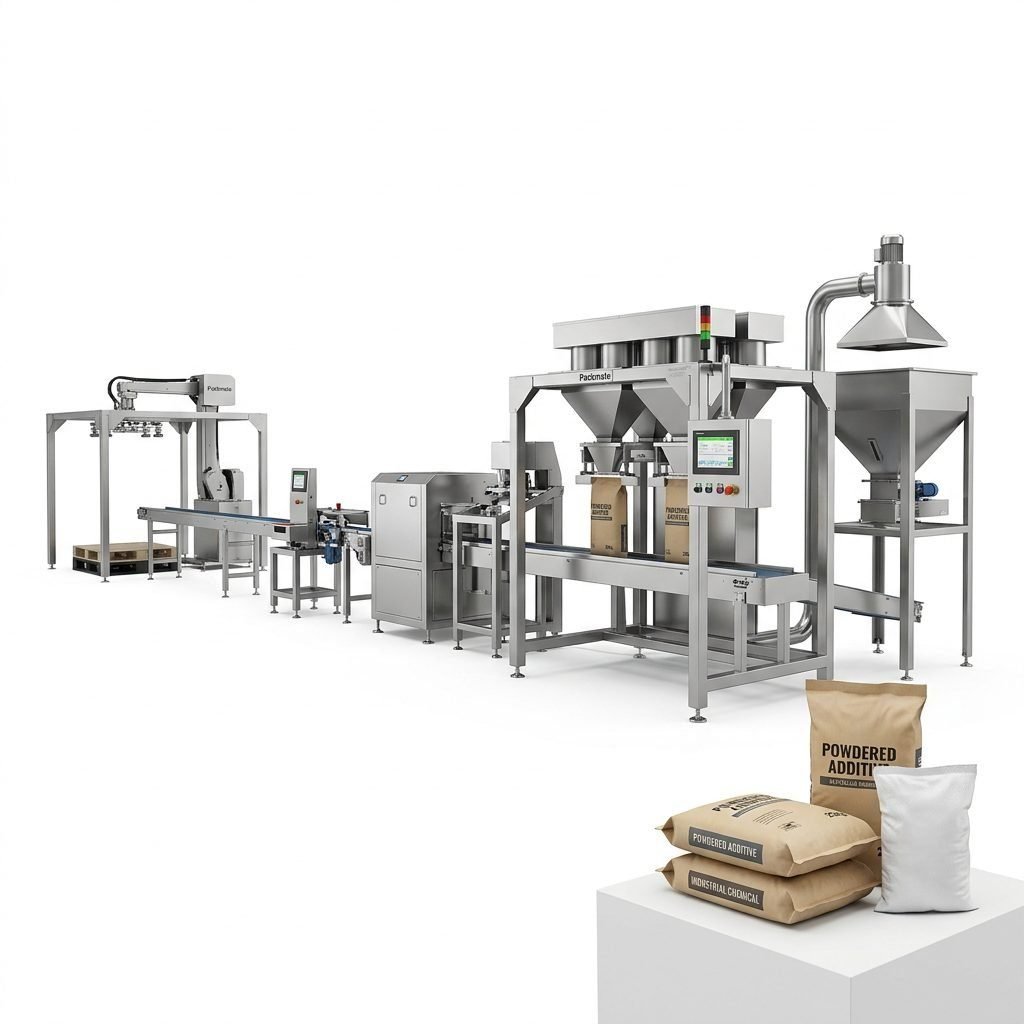
Following the manufacturer’s step-by-step assembly guide is non-negotiable. This includes mounting components, connecting utilities (air, power, vacuum), and installing safety guards. For complex systems like a complete filling and packaging line, the manual will detail the integration sequence for conveyors, fillers, and sealers.
Initial Calibration and First Run
The first production run is a test. Manuals provide calibration procedures for critical settings:
- Sealing Parameters: Time, temperature, and pressure settings are material-specific. Incorrect settings lead to weak seals or burned packaging.
- Filling Accuracy: Whether using volumetric cups or advanced weighing systems, initial calibration against a target weight is essential.
- Film Tracking and Tension: For form-fill-seal machines, proper web alignment and tension prevent wrinkles and ensure consistent pouch formation.
Document all baseline settings from this first successful run. They serve as a valuable reference point for future troubleshooting.
Diagnosing Issues: A Systematic Troubleshooting Approach
When a machine faults or produces defective packages, a methodical approach using the manual is faster than trial-and-error.
The Troubleshooting Flowchart (In Your Manual)
Modern manuals organize problems by symptom. A typical structure is:
- Identify the Symptom: Be precise. Is it “no seal,” “uneven seal,” or “seal burns through film”?
- Locate the Subsystem: Does the issue relate to the feeding, forming, filling, sealing, or cutting station?
- Consult the Manual’s Table: Find your symptom. It will list Potential Causes (e.g., “low sealing temperature,” “contaminated sealing jaws”) and Corrective Actions (e.g., “increase temp by 5°C,” “clean jaws with approved solvent”).
- Perform Safely: Always lock out/tag out power before inspecting or adjusting mechanical parts.
Common Problems and Manual-Based Solutions
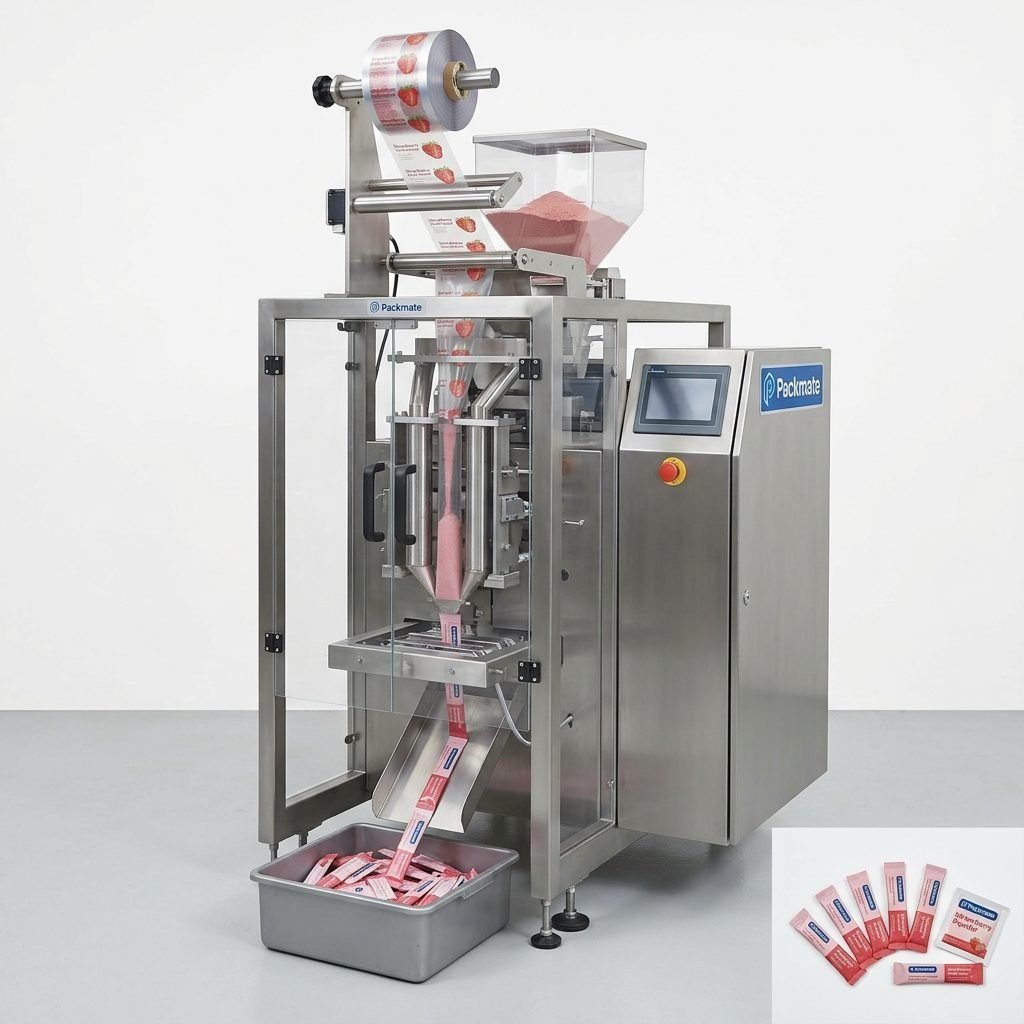
Poor Seal Integrity: This is the most frequent issue. Beyond temperature, check for worn Teflon coating on the sealing jaws, inadequate pressure, or the wrong type of packaging film for your application. The manual for your specific sachet or stick pack machine will have a film compatibility guide.
Inconsistent Filling: For powders or granules, check for bridged material in the hopper, worn feed screws, or clogged filters in the pneumatic system. The manual’s parts diagram helps identify these components.
Machine Stops Unexpectedly (Fault Code): Don’t ignore error codes on the HMI (Human-Machine Interface). Cross-reference the code with the manual’s error code appendix. It often explains, for example, “E07: Servo Motor Overload” and suggests checking for mechanical obstruction.
Preserving Your Investment: Proactive Maintenance
Reactive repair is costly. The manual’s maintenance schedule is a preventive program designed to avoid downtime.
Decoding the Maintenance Schedule
Maintenance is typically tiered:
Daily/Shift-Based Tasks: These are quick checks and cleans. Examples include wiping down the machine, removing product dust/debris from sealing areas, checking and refilling lubrication points for chains (if specified), and verifying safety sensor function.
Weekly/Monthly Tasks: These involve more detailed inspection and adjustment. This may include checking belt tensions, inspecting wear parts like cutting blades or gaskets, verifying pneumatic pressure settings, and testing emergency stop circuits.
Semi-Annual/Annual Tasks: This is major preventative maintenance. It often requires a trained technician and involves tasks like replacing wear-part kits, deep-cleaning internal mechanisms, checking electrical connections for tightness, and recalibrating critical sensors and scales.
Keep a signed log for all maintenance performed. This log is invaluable for warranty claims, resale value, and diagnosing recurring issues.
Lubrication and Parts Replacement
The manual specifies exact lubricant types and bearing grades. Using the wrong grease can damage seals and attract dust. Similarly, when replacing parts like a heat seal jaw or a feed auger, always use genuine OEM parts from your manufacturer. Counterfeit or off-spec parts may fit but can cause improper function, safety hazards, and void warranties. For a reliable source of quality parts and support, consider the manufacturer’s official service department.
Beyond the Physical Manual: Digital Resources and Support
Today’s support extends beyond the printed book. Many manufacturers offer digital PDF manuals with searchable text, video tutorials for complex procedures, and online portals for parts ordering. Registering your machine often grants access to updated manual revisions and technical bulletins.
When the manual’s troubleshooting steps are exhausted, a clear communication path to technical support is vital. Before calling, have your machine model, serial number, and a detailed description of the issue, steps already taken, and any error codes ready. This preparation, guided by your manual use, leads to faster resolutions.
Frequently Asked Questions (FAQ)
1. My manual is lost or damaged. How can I get a replacement?
Contact the machine manufacturer directly. Most, like Packmate Machinery, provide digital copies of manuals for registered equipment through their website or customer service portal. Always keep a digital backup.
2. Can I perform maintenance myself, or must I use a factory technician?
Daily and weekly tasks are typically designed for operator-level maintenance. However, annual overhauls, complex electrical work, or repairs under warranty should be performed by certified technicians to ensure safety and maintain warranty coverage.
3. The manual suggests a specific brand of lubricant. Is it mandatory?
While an equivalent specification may sometimes work, it is highly recommended to use the specified product. The manufacturer has tested their machine’s compatibility with that specific lubricant’s chemical and viscosity properties.
4. How often should I update or check for a new manual version?
Check with the manufacturer annually or whenever you schedule major service. Updates may include new safety information, revised procedures, or updated parts lists for your specific serial number range.
5. The troubleshooting guide didn’t solve my problem. What’s the next step?
Document everything you’ve tried. Then, contact the manufacturer’s technical support with your machine’s model/serial number, the precise problem, the error code (if any), and the steps from the manual you have already completed. This information is critical for efficient remote support or for dispatching a service technician with the right parts.